
Transfer Chrome To Your New Computer
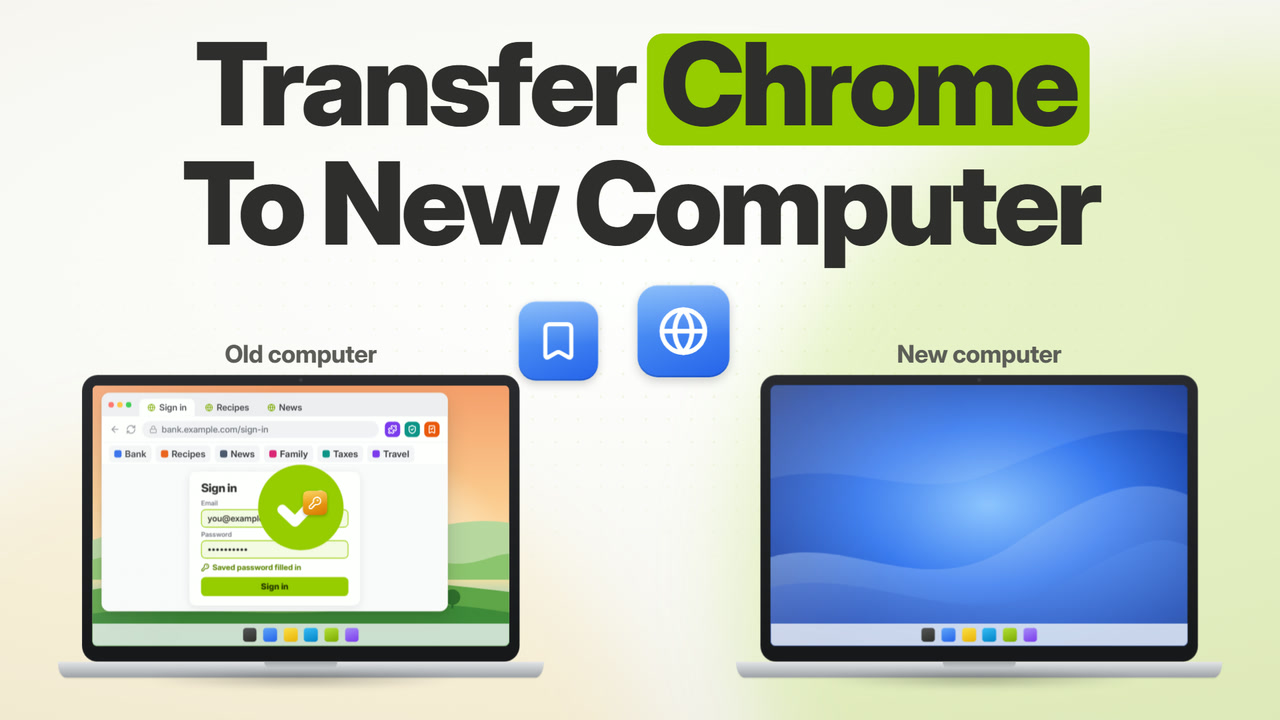
Chrome, bookmarks, favorites, saved passwords, history and extensions, and your files - all transferred to your new PC.
- Transfers Chrome and all of your files - bookmarks, favorites, saved passwords, history and extensions
- Money-back guarantee
- No technical knowledge required
- Any PC, any Windows
- Nothing erased from old PC
- Support by human experts, not bots
Money-back guarantee If you do not like the transfer results, you can simply reset the new computer back to its original out-of-the-box state and get a refund. Your old computer is never changed either way. Real human support Nothing erased from old PC
Top Recommended For 15+ years








Moves Chrome and Files
Your whole Chrome profile - bookmarks, favorites, saved passwords, history and extensions - together with your documents, music, pictures and all of your other files, moved to the new computer and ready to use.
No tech skills required
If you know how to download a file, you know how to use Zinstall. The transfer is automatic. Your part takes just minutes to get it started. Works over your wifi or wired network.
Any Windows, any PC
You can transfer from any Windows version to any Windows version, any manufacturer, desktop or laptop. For example, from a Windows 10 Dell Desktop to Windows 11 HP Laptop.
Zinstall: Hi, how can we help?
Humans, not bots
We've been helping people move since 2009. If you have questions, you get a human response and human care by our expert techs - not AI chat bots and menus that go nowhere.
How it Works

Run Zinstall, and press "Go"
to start your transfer
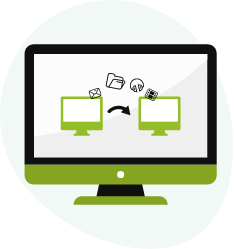
Zinstall moves Chrome and your files
from old computer to new one

Chrome, Bookmarks, Passwords, Files,
have been copied to your new PC
Reviews and Press
"My programs were large and very professional, not simple consumer apps. I am here to tell everyone that every single program is working 100 percent. Every single shortcut is working perfectly."
 Jamie Glaser★★★★★
"The product will transfer everything - programs, settings and files - to your new PC. No cables needed."

"It is exactly as advertised, easy and fast to install, copied all my files, programs, pictures, etc over to my new computer. Your program saved countless hours of reinstalling everything at a very reasonable price. Thanks for a GREAT product."
"Zinstall was amazing! Thank you very much for saving me hours of tribulation! It worked as advertised and your instructions are what did the trick."
 Colleen Saunders★★★★★
"One of the best I've ever found, and that I can recommend completely, are the tools from Zinstall. Zinstall WinWin can be used to migrate from an old PC or OS to a new Windows."
 Mike Halsey, Microsoft MVP"Beginning Windows 10"
"I used this kit to migrate my old Windows 10 laptop to my new Windows 11 laptop and I am so happy I did. Everything worked very well"
"A couple of mouse clicks and a few hours later - DONE!! - a complete and fully functional copy of my old 'puter on the new one. No problems - password, files, everything and anything at all was transferred without incident! Way to go Zinstall!"
 Bill Mael★★★★★
"Zinstall WinWin is what you'll need to transfer from one PC to another"

"Using ZINSTALL was the easiest transfer I have ever experienced. Windows 10 to new LGRAM Window 11 with zero problems. Great product."
"Zinstall revolutionized our 39-year old business. It's totally changed our company in terms of technician efficiency, completeness, and customer satisfaction."
 Scott HenkeOwner, Onsite Consulting
"I had tough issues. Had to use an old backup. No muss no fuss. Got it done quickly. I'm happy as a clam. What a lucky find!"
 Michael C. Grimes, Esq.★★★★★
Get the right transfer for you
Do you want to transfer Chrome only, or other programs as well?
You need Chrome & Files Transfer
You can purchase it below:
Chrome & Files Transfer
- Your Chrome profile - bookmarks, favorites, saved passwords, history and extensions
- All of your files
- Over wifi (wireless) or network
- One license covers both computers
Zinstall WinWin
- Transfers all of your programs, not just Chrome
- Profiles, accounts, emails, settings and all files
- Over wifi (wireless) or network
- One license covers both computers
Frequently asked questions
Can I transfer from Windows 10 to Windows 11?
Yes, Windows 10 to Windows 11 is fully supported. You can also transfer from Windows 10 to another Windows 10, 11 to 11, and any other combination.
Should I purchase on the old computer or on the new one?
Either one works. Typically, it is more convenient to purchase on the old one.
Do I have to purchase twice?
No, one copy is valid for both the old and the new computer.
How do I download on the other computer?
Simply download it from www.zinstall.com/download.
Does it erase anything on the old computer?
No. The old computer stays exactly the same - it is not changed at all.
How long does the transfer take?
Usually, it is several hours. It depends on how much stuff you have to transfer, and on your connection speed. Your part takes minutes - the transfer runs on its own.
How do I connect the computers?
No special cables required. Just get both PCs on the same internet (wireless or network cables).
Questions? Talk to a human, not to a bot.
We don't hide behind chat bots and never-ending menus; you get a human response, and human care. Our techs will help you every step of the way. Support is available 24×7 (by appointment out of regular business hours).
Contact us